Lutury Engine

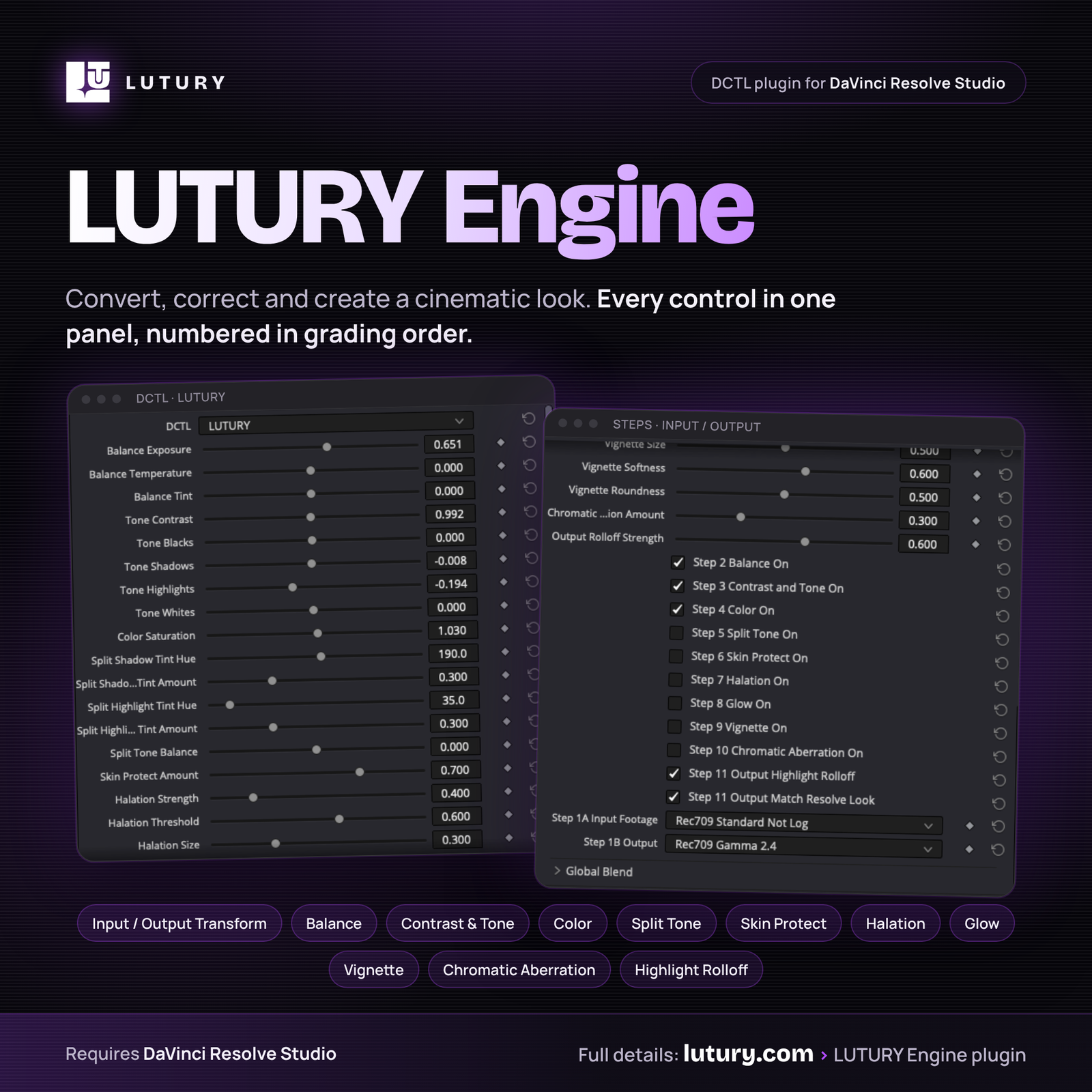
The grade, in one panel

LUTURY Engine is a color engine for DaVinci Resolve Studio that converts, corrects and creates a cinematic look. Every control lives in one panel, numbered in grading order, so you work from top to bottom. Every section has its own on/off checkbox.

What’s included

  • LUTURY Engine DCTL plugin
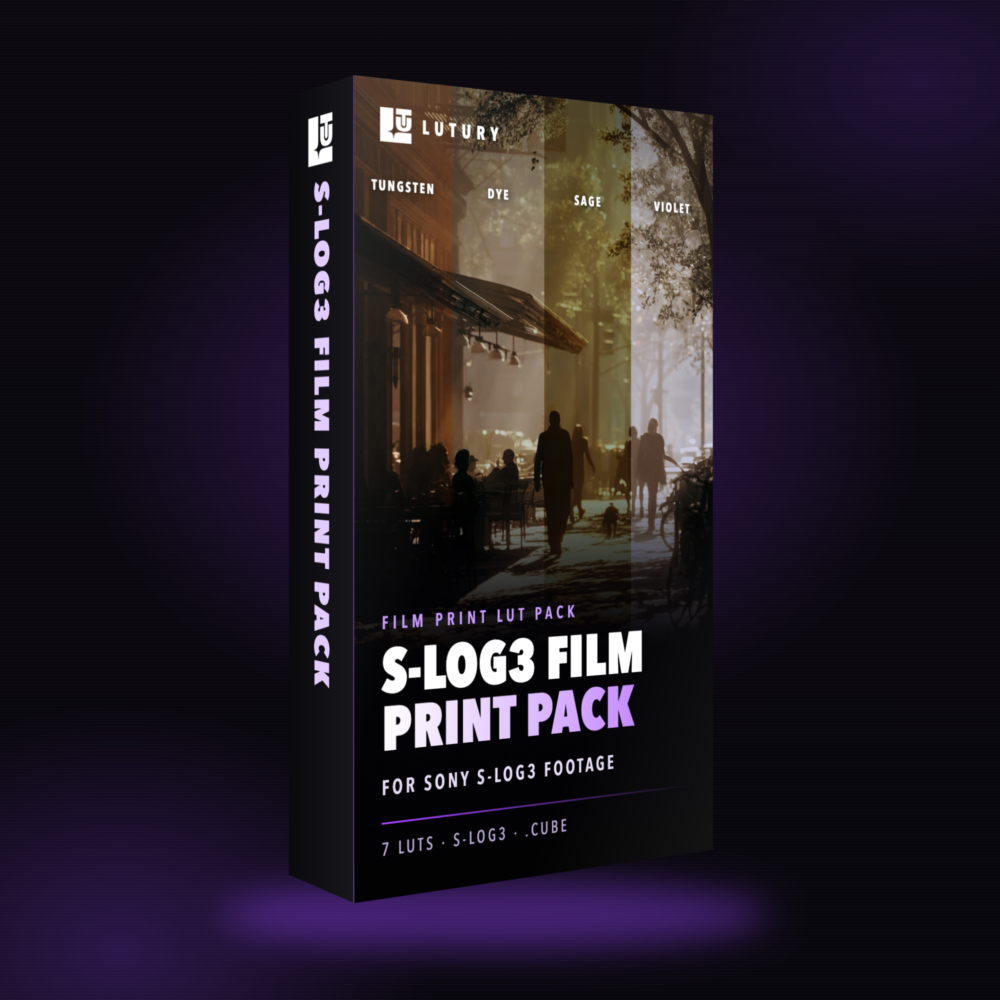
  • Signature Pack (5 LUTs)
  • Instant digital download, lifetime license

Controls, step by step

  • Step 1A Input: Sony S-Log3 (S-Gamut3 and S-Gamut3.Cine), Canon C-Log, DJI D-Log M (uses the bundled DJI LUT), Rec709, DaVinci Intermediate / DaVinci Wide Gamut
  • Step 1B Output: Rec709 Gamma 2.4, Cineon Film Log (for film-emulation LUTs), Sony S-Log3 S-Gamut3.Cine (for S-Log3 LUTs), DaVinci Wide Gamut
  • Built-in color space transform that matches Resolve’s own CST, so you don’t need a separate CST node (you can still keep your own)
  • Step 2 Balance: Exposure, Temperature, Tint
  • Step 3 Contrast and Tone: Contrast, Blacks, Shadows, Highlights, Whites
  • Step 4 Color: Saturation
  • Step 5 Split Tone: shadow and highlight hue and amount, plus balance
  • Step 6 Skin Protect: keeps skin natural while you push the grade
  • Step 7 Halation: film-style red/orange glow around highlights (strength, threshold, size, warmth)
  • Step 8 Glow: soft bloom (strength, threshold, size)
  • Step 9 Vignette: amount, size, softness, roundness
  • Step 10 Chromatic Aberration: subtle lens-edge fringing
  • Step 11 Output: Highlight Rolloff for a smooth, film-like shoulder, and Match Resolve Look

Works with any LUT

Use Cineon film LUTs, outside or custom LUTs, or LUTURY packs on the next node. Set Step 1B Output to match the LUT: Cineon Film Log for film LUTs, Sony S-Log3 for S-Log3 LUTs, Rec709 Gamma 2.4 for standard LUTs.

Good to know

  • Fewer nodes, not zero nodes: conversion, balance, tone, color and film effects are in one place. Keep your own nodes for grain, noise reduction or a standard Rec709 CST.
  • No built-in film grain. Add Resolve’s Film Grain on a separate node.

Install in 4 steps

  1. In Resolve: Project Settings > Color Management > Open LUT Folder. Copy the LUTURY files in and restart Resolve.
  2. On the Color page, add the DCTL effect to a node and choose LUTURY.
  3. Set Step 1A Input (your footage) and Step 1B Output.
  4. Grade from Step 2 down. Using a LUT? Add it on the next node.

Requirements and policy

Requires DaVinci Resolve Studio (the paid version). DCTLs do not run in free Resolve.

All sales are final. LUTURY products are digital downloads delivered instantly, so we do not offer refunds. If a file does not install or open, contact us at [SUPPORT EMAIL] and we will help you get it working.

Want the full toolkit? The LUTURY Pro Bundle adds Color Editor, FX and all 72 LUTURY LUTs.

$40.00

Real Reviews By Real Customers

Rated 4.5 out of 5

“These LUTs gave my footage the look I was trying to create without spending forever color grading. The skin tones still looked natural, the colors felt rich, and I only had to make a few small adjustments after applying the LUT. Definitely made my workflow faster.”

Rated 5 out of 5

“I’ve bought LUT packs before where half the looks felt almost identical. Lutury was different. Each pack has its own mood, so I can go from a clean commercial look to something darker and more cinematic depending on the project. The Everything Bundle gave me plenty of options without overcomplicating my grade.”

GET TIPS & UPDATES TO IMROVE YOU COLOR